● built for online physique coaches

better check-ins. half the time. no wifi needed.

see last week and this week side by side, right in your recording. no more flicking through whatsapp or piecing screenshots together. and it works with no wifi, so you can do check-ins anywhere. anytime.

28-day free trial Β· then Β£19.99/month Β· macOS 14+

πŸ§‘
πŸ§‘
πŸ“Ά
rec
β†’
last week
this week
✨ ai
🎞️ check-in.mp4
JCjess
this week's check-in?
β–Άβœ“βœ“
🎞️ mp4

made for one job. physique check-ins. by coaches who do them every single day.

● the difference

last week vs this week. side by side. live.

no more flicking back and forth in whatsapp trying to remember what changed. line both weeks up next to each other, zoom right in on the detail, and show your client exactly what's happening, instead of asking them to take your word for it.

  • pulls check-in photos straight from whatsapp. no screenshots, no hunting
  • line them up by date, or let it auto-match the poses for you
  • zoom right in on the small changes you'd otherwise miss
  • compare live, right inside your recording
⟳ the old way: flicking back & forth
last week
this week
side by side, instantly
● works fully offline

do check-ins with or without wifi.

coachcam records straight to your mac and needs no internet at all. a plane, a train, or a remote hotel with no signal is no longer a reason to put your check-ins off until you're home.

✈️ on a plane πŸš† on a train πŸ”οΈ off-grid πŸ“Ά no signal needed
● why we built it

born on a bullet train in japan.

coachcam started with joe jeffery, a high-level physique coach, stuck on a train with no way to do his check-ins. flicking through whatsapp, screenshotting photos to compare them, no signal to record. so we built the tool he wished existed: side-by-side photos, fully offline, made for exactly this. a real fix for a problem every physique coach has.

kyototokyo
200mph Β· no signal Β· still recording
● who's behind it

built by people who live the problem.

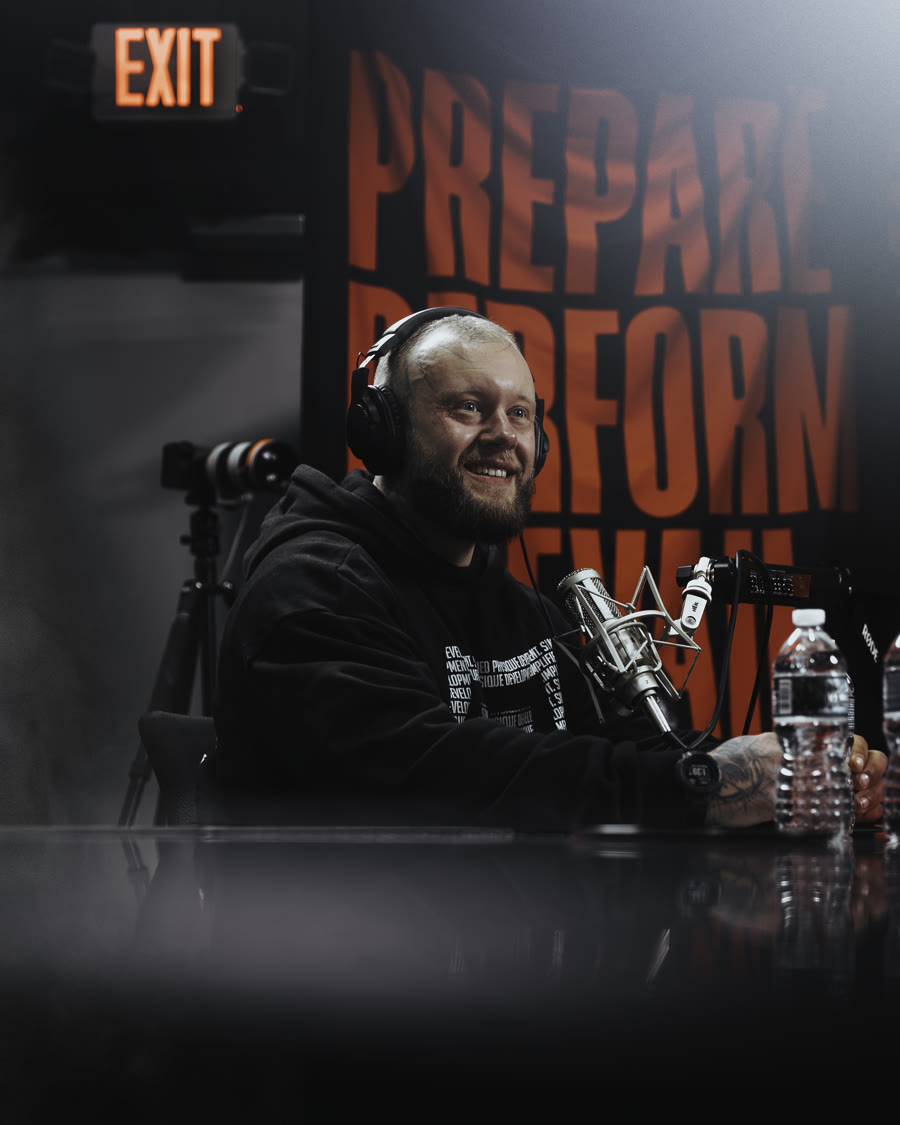
Joe Jeffery

joe jeffery

physique collective

founder and head coach of physique collective, known for evidence-based coaching that never compromises on honesty or specificity. had the idea for coachcam mid check-in, on a bullet train across japan.

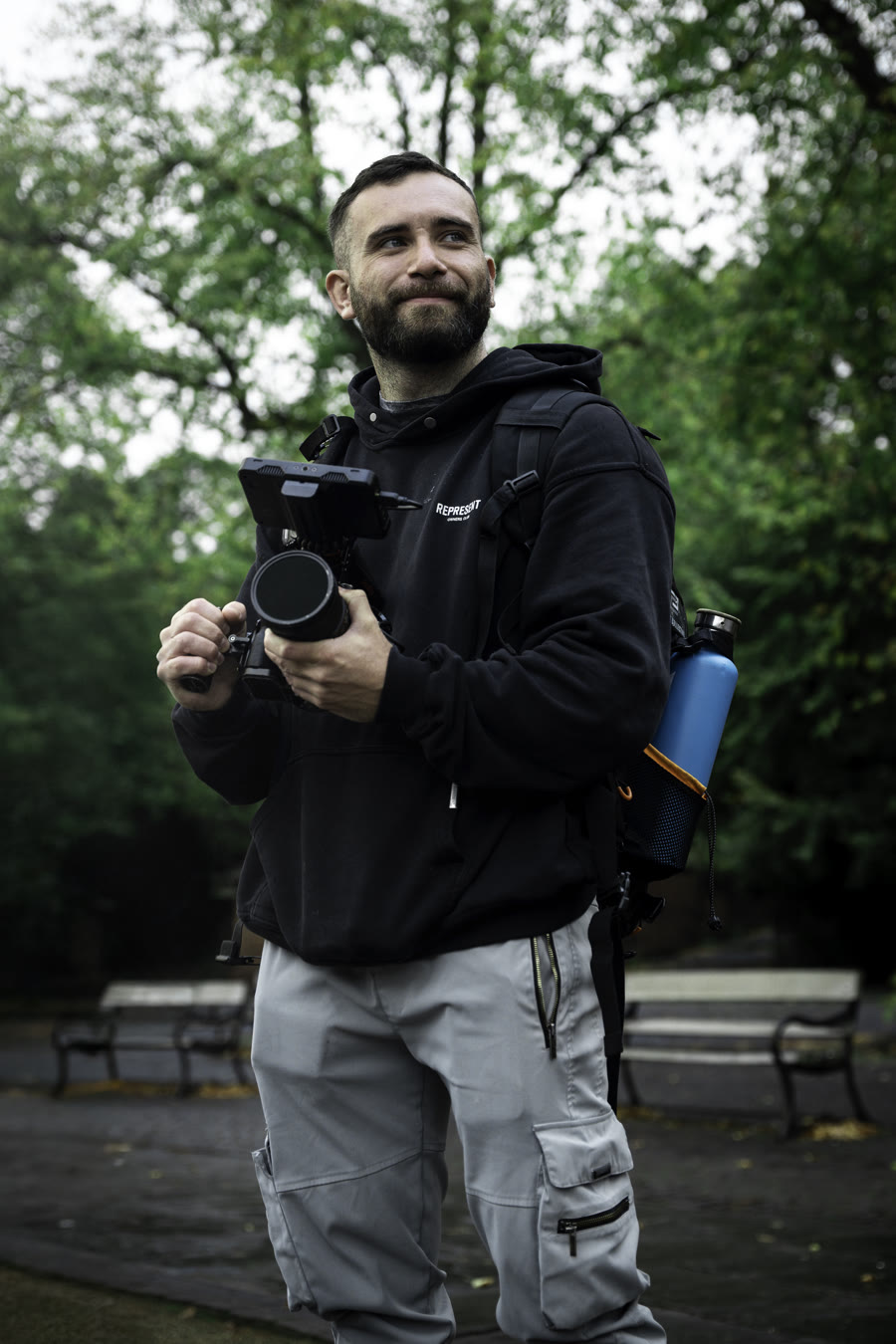
Jake Maddox

jake maddox

spectre visuals

videographer and creator behind physique collective's video library. through spectre visuals, he built coachcam to make the weekly check-in effortless.

everything a coach needs. nothing they don't.

πŸ”€

side-by-side photos

last week and this week next to each other, live in the recording. zoom in on what changed.

πŸŽ₯

screen + face, one take

talk over their google sheet and their photos with your face on screen, in one clean clip.

πŸ“±

made for whatsapp

pulls client photos straight from whatsapp, and exports clips small enough to send right back.

✈️

works offline

no internet needed. record your check-ins on a plane, a train, or anywhere off-grid.

⏯️

built to be simple

any monitor, webcam-only mode, pause and resume. the bits you need, none you don't.
your whole check-in, in one place.

1

line up the photos

pull last week and this week from whatsapp and put them side by side.

2

record

talk through the changes over their sheet and photos, online or off.

3

send

drop the clip straight into whatsapp. that's the whole job, done.

one plan. everything in.

Β£19.99/month

less than a single client session. no annual lock-in or lifetime gimmicks.

  • unlimited check-in recordings
  • side-by-side photos from whatsapp
  • works fully offline
  • one mac, switch anytime

28 days free, full access Β· then Β£19.99/mo Β· macOS 14+ Β· cancel anytime

first time you open it

the first time you record, macOS asks permission to use your camera, mic and screen. it only takes a few seconds. here's the order.

1

allow camera & mic

start a recording and click allow when macOS asks for the camera and the microphone.

2

turn on screen recording

when prompted, click open system settings, switch coachcam on under screen recording, then quit & reopen when it asks.

3

reopen once

quit and open coachcam one more time. it picks up your camera on a fresh start, and you're set.

camera not in the list? it just means permission was still pending. quit coachcam and open it again and it'll be there.

questions

do my clients need the app?

no. you record on your mac and send a normal video. they just watch it in whatsapp like any other message.

will the files be too big for whatsapp?

no. coachcam sizes every clip to send on whatsapp automatically. nothing to trim or export.

does it really work with no internet?

yes. recording and exporting happen entirely on your mac. no connection needed. so you can do check-ins on a plane or off-grid and send them once you're back online.

how much is it, and is there a trial?

Β£19.99 a month. monthly only, no annual or lifetime option. you get a 28-day free trial with full access to everything β€” cancel any time before it ends and you won't be charged.

what do i need to run it?

a mac on macOS 14 or later. it's signed and notarized by apple, so it opens cleanly.

my camera or screen isn't working on first launch?

that's just macOS asking for permission. start a recording and click allow for the camera and mic, then turn coachcam on under system settings β†’ privacy & security β†’ screen recording. quit and reopen coachcam once and your camera will show in the list. see "first time you open it" above.